Simple, secure payment links.
Easily request and accept customer
payments with payment links powered by
StripeBVSUP-00180—all from your Bluevine dashboard.
Accept payments with ease.
Set up in minutes
Quickly send payment links to
customers via email, text, or social
media—or include on an invoice.Manage links your way
Toggle payment links on and off,
plus use unique links for different
products, services, or customers.Offer flexible options
Customers can pay you the way they
want—via card, digital wallet, or
ACH—with no code or special setup.


Transparent and affordable fees.
With Bluevine, you can create and send invoices and payment links for free—only pay processing fees for payments processed via Stripe. Other incoming ACH, checks, and domestic wires are free.

Cards and wallets
2.9%
+ $0.60

ACH direct debit
1%
How payment
links work.
Together, Bluevine and Stripe make getting paid intuitive and frictionless for both your business and your customers.
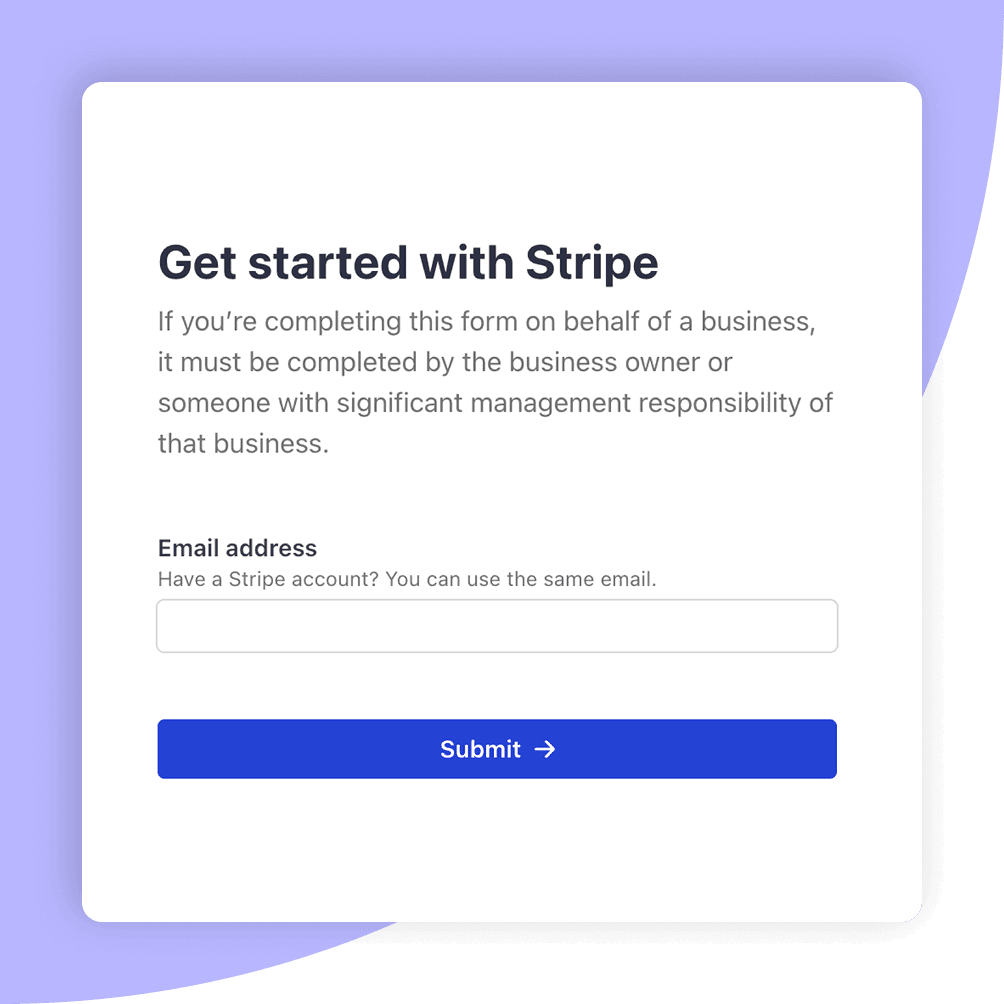
To get started, enable payment processing and connect your Stripe account to your Bluevine account.
Don’t have a Stripe account? Easily create one from the Sales tab of your dashboard.BVSUP-00180
Create unique, reusable payment links for different products, services, or customers in just a few clicks and share them anywhere—via email, text, social media, or on your website.
Your customer clicks the link and pays the way they prefer—via credit card, debit card, ACH direct debit, or digital wallet.
Receive customer payments directly into your main business checking account or one of your sub-accounts—and you could start earning APY immediately.BVSUP-00147

How to set up secure payment links with Bluevine
Learn how to create and share Stripe-powered payment links right from your Bluevine dashboard.
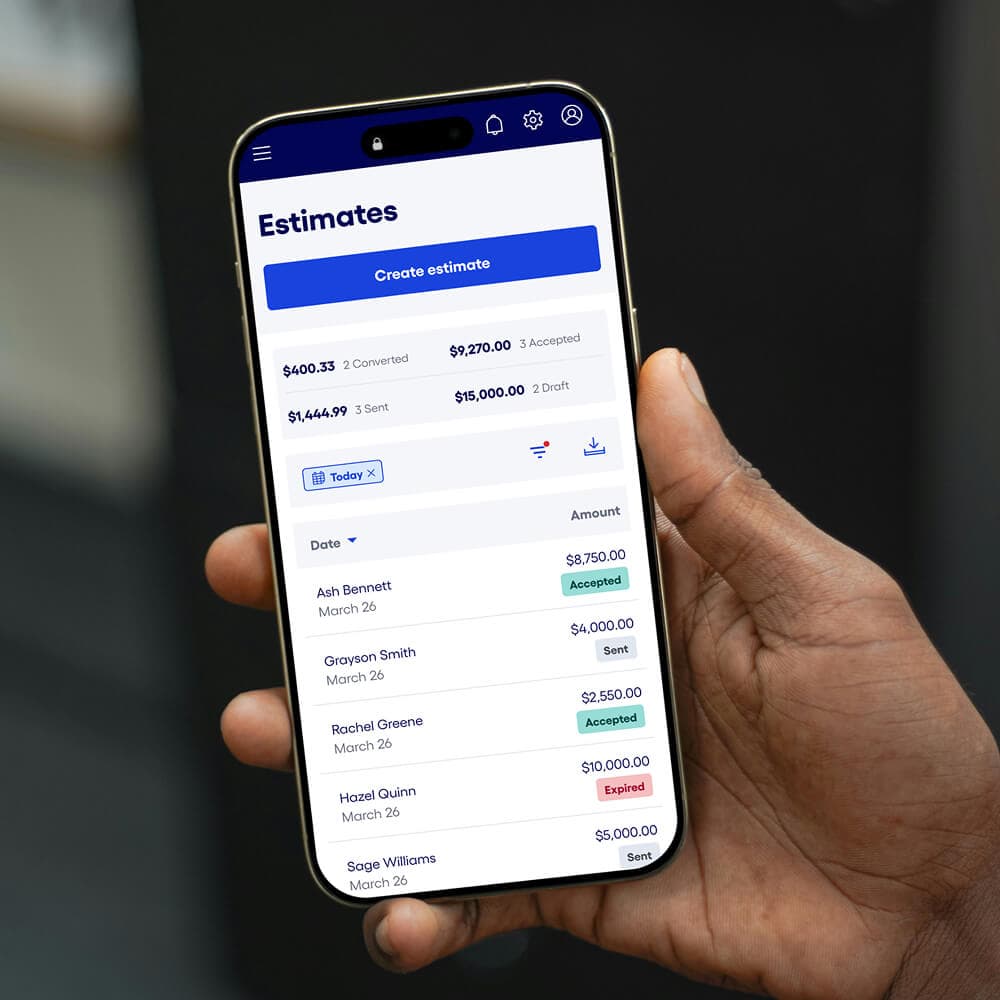
Align on project details with estimates
Get approval before you start work by sharing
estimates with all the details upfront, then send a payment link to get paid fast.
Need to send an invoice?
Create and send professional invoices in minutes, and let customers pay by card, ACH, or digital wallet—right from your Bluevine dashboard.
Explore invoicing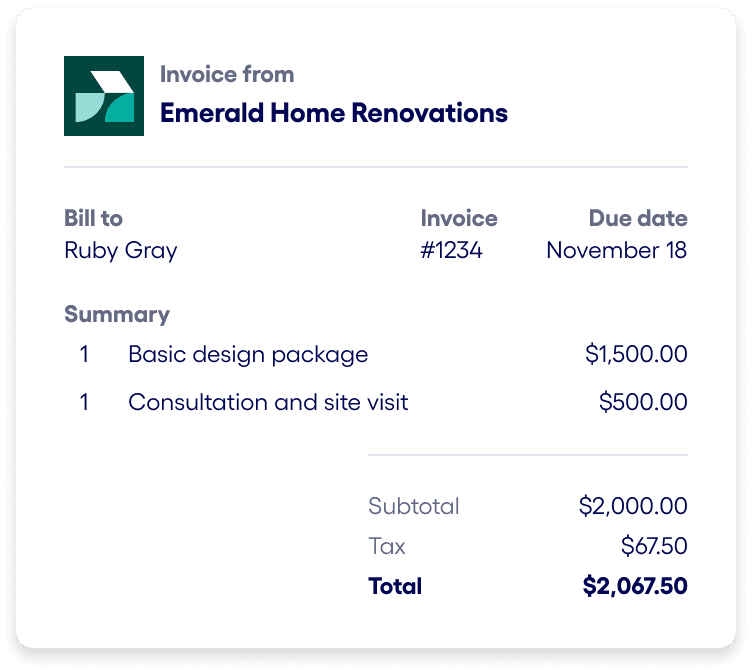
Ready to accept in-person payments?
Use Tap to Pay to take contactless payments right from your phone—no extra hardware required, and funds go straight to your Bluevine checking account.
Explore Tap to PayInterested in learning more?
Email our team to get started with invoicing, payment links, and Tap to Pay with Bluevine.
Bluevine Payment Links FAQs.
A payment link is a simple, secure way for businesses to accept payments from customers. Payment links allow you to create and share a URL with your customers for single or multiple transactions. Then customers can select their preferred payment option—including credit card, debit card, and ACH direct debit—and you receive payment directly into your business checking account.BVSUP-00192
No, you do not need a business website to use Bluevine Payment Links to accept customer payments. One of the most convenient benefits of payment links is that you can simply create a link and send to your customers—without any website or code needed.
First, you can enable payment processing and connect your Stripe account to your Bluevine Business Checking account.BVSUP-00180 If you don't already have a Stripe account, you can easily create one right from your Bluevine dashboard. Then, you'll be able to set up payment links in just a few clicks for different products or services, individual customers and invoices, limited-time offers, and more. You can also turn links on or off as needed.
You can create unique, reusable payment links for different products, services, or customers in just a few clicks and share them in a variety of ways, including email, text, social media, or on your website.
Yes! Payment links are a simple and safe way to accept payments from customers. Powered by Stripe, Bluevine Payment Links help keep all customer information private and secure.
Once you enable payment processing and connect your Stripe account, payment links will automatically be added to your invoice so customers can pay via credit card and other convenient payment methods.BVSUP-00147 You'll also be able to track payments and automatically reconcile paid invoices.
Yes, you can create and send payment links to customers for free through your Bluevine dashboard. However, depending on how a customer chooses to make their payment, you may be responsible for any associated payment processing fees, i.e., to accept credit card, debit card, or ACH direct debit payments.
Your Bluevine dashboard makes sending invoices and payment links super easy. Create and send a professional invoice or simple payment link to customers in minutes.
From the Sales tab in your dashboard, you can create unlimited invoices with your company logo for free—and in just a few clicks. You can then share with your customer via email, SMS, invoice link, or PDF. If you have payment processing enabled, you can accept card, digital wallet, or ACH direct debit payments directly into your main Bluevine Business Checking account or a designated sub-account by including a payment link on your invoice.
Yes, you can send payment links to request payments from customers without sending an invoice. If you have payment processing enabled, a payment link will be automatically added to your invoice so your customers can pay via card, digital wallet, or ACH direct debit.
Get paid quickly.
Open a business checking account in minutes to start sharing payment links.